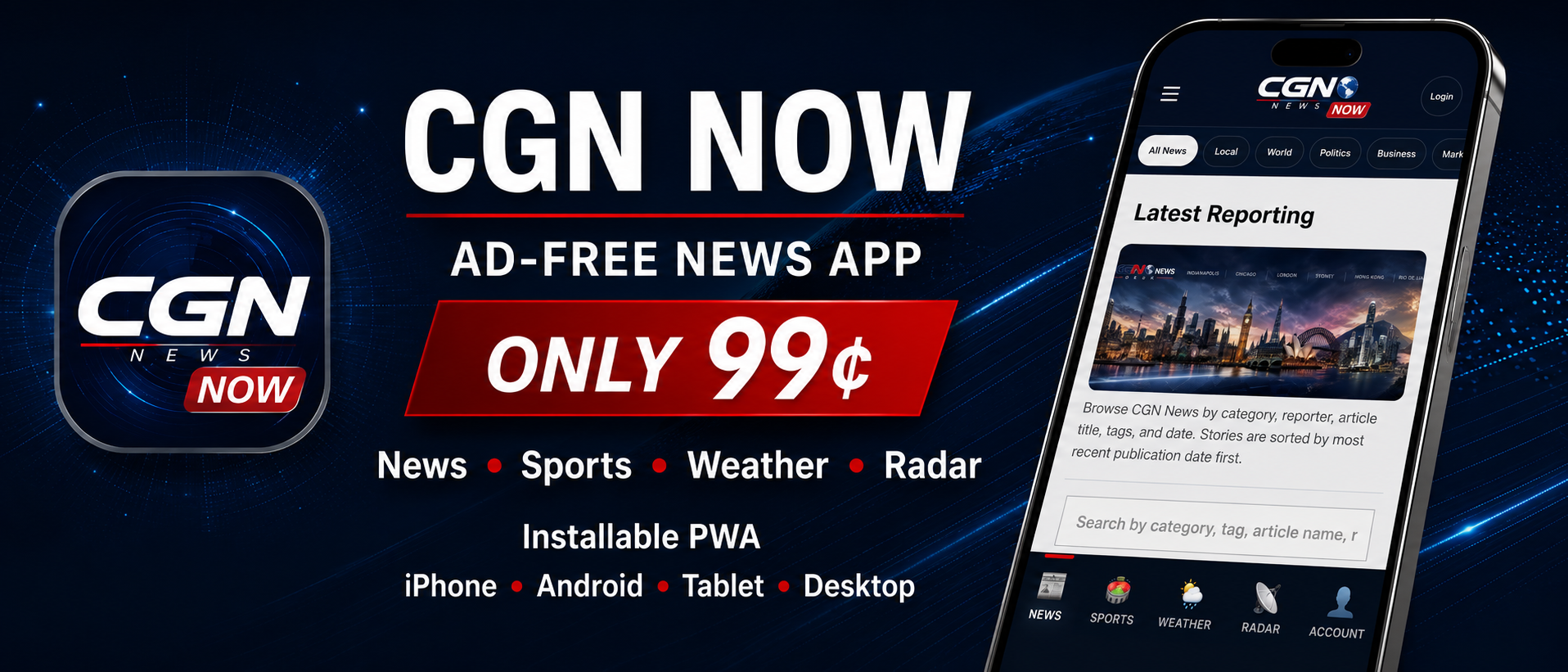

CGN NOW — ad-free news app, only 99 cents
Installable PWA

CGN NOW

Ad-free CGN News in a clean installable app experience for news, sports, weather, radar, and account access.

Get CGN NOW

Pay once through PayPal, then return to the install-ready app at ios.cgnnews.net.

Secure PayPal Checkout

The PayPal button includes the CGN NOW logo. After payment, PayPal should return you to the CGN NOW install page.

Important: CGN NOW is a paid ad-free app experience. A CGN account is not required to install or browse available free content, but CGN article access rules and subscription limits still apply. Existing CGN subscribers can sign in with their CGN account inside the app.

News

Read CGN News articles in a cleaner mobile-first layout, with the app landing directly on the latest reporting feed.

Weather and Radar

Open forecasts, radar, St. Louis radar, and the Weekly Weather Brief from a streamlined app interface.

Account and Access

Use your CGN account, manage access, and keep article paywall logic intact across the CGN NOW experience.

How to install after checkout

CGN NOW is an installable Progressive Web App. After PayPal returns you to the app, install it from your device’s browser menu.

iPhone / iPad

  1. After checkout, PayPal returns you to CGN NOW.
  2. Tap Share.
  3. Tap Add to Home Screen.
  4. The install name should appear as CGN NOW.

Android

  1. After checkout, PayPal returns you to CGN NOW.
  2. Tap Install app or Add to Home screen.
  3. Open CGN NOW from your home screen.

Desktop

  1. Open CGN NOW in Chrome, Edge, or Safari where supported.
  2. Use the browser’s install/app option.
  3. Launch CGN NOW like an app from your desktop or dock.